As of this season, the KWFF has introduced a system allowing registered fans to vote for ‘Queen of the Round’, the MVP of each round of the WK League. Here’s a quick guide to voting via the KWFF website.
Step 1: Wait for the candidates to be announced
A day or two after all matches in the round have been completed, look out for an announcement via the KWFF’s social media announcing the four candidates (one per match). While you’re waiting, why not check out match highlights from any games you haven’t seen yet — after all, it might affect your vote! Once the candidates are revealed, voting is open for 24 hours.
Step 2: Log in to the KWFF website
If you don’t already have an account, you will need to create one to be able to vote. Unfortunately, since mobile phone verification is required to sign up, this does mean that voting is limited to those with a Korean phone number. If you have an account, make sure you log in. If you try to access the voting page before logging in, you may find yourself redirected back to the main homepage, so we recommend logging in first.
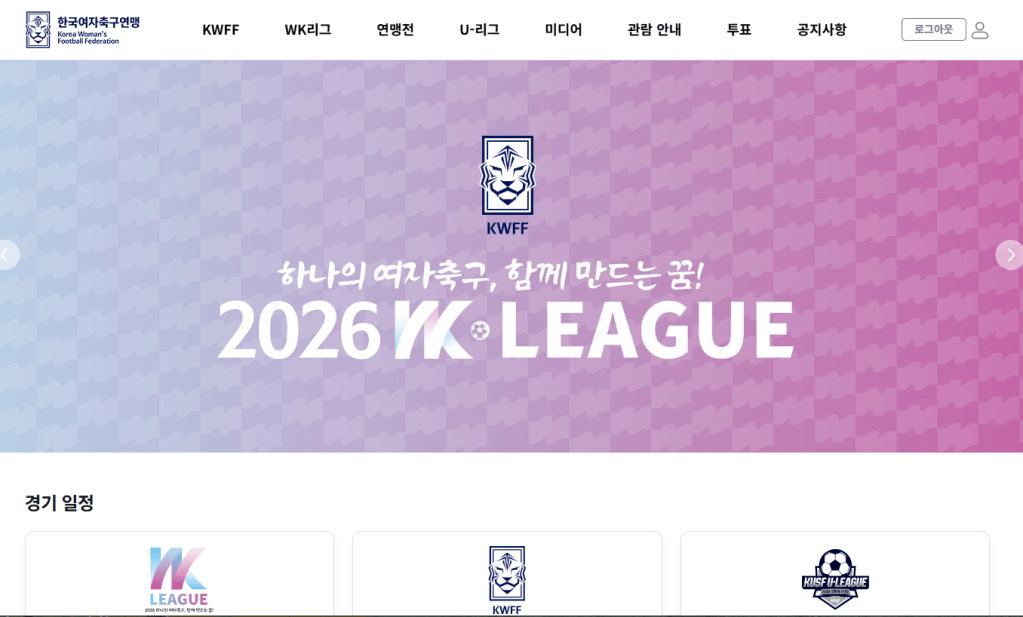
Step 3: Navigate to the voting page
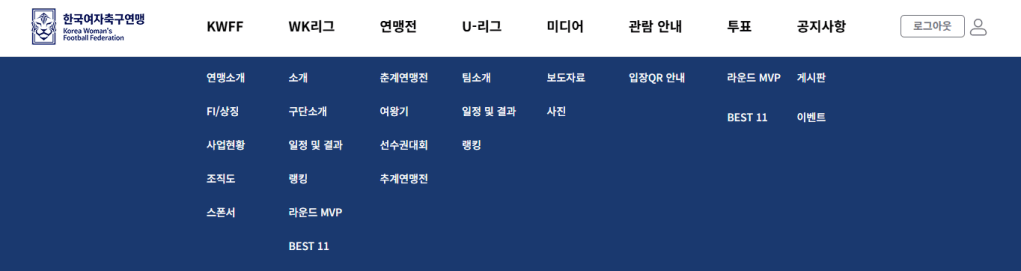
If using a computer or tablet, you will be able to see the main menu at the top of the page. Hover over it to reveal the full menu, locate the ‘Voting’ (투표) heading (second from the right), and underneath that, click on ‘Round QOR’ (라운드 QOR) to navigate to the voting page. If using a mobile phone, click on the three lines in the lower left hand corner to reveal the menu, then scroll all the way down to find ‘Round QOR’ under the ‘Voting’ heading. Note that there is a ‘Round QOR’ page under the ‘WK League’ heading, too. Make sure you scroll down to the ‘Voting’ section — if you find yourself looking at a gallery of all the MVPs so far, you might have clicked on the wrong one.
Note that the term ‘라운드 MVP’ is seen in the screenshots used on this page. Since these screenshots were taken, the KWFF has updated the website to use ‘QOR’ (Queen of the Round) in place of ‘MVP’.
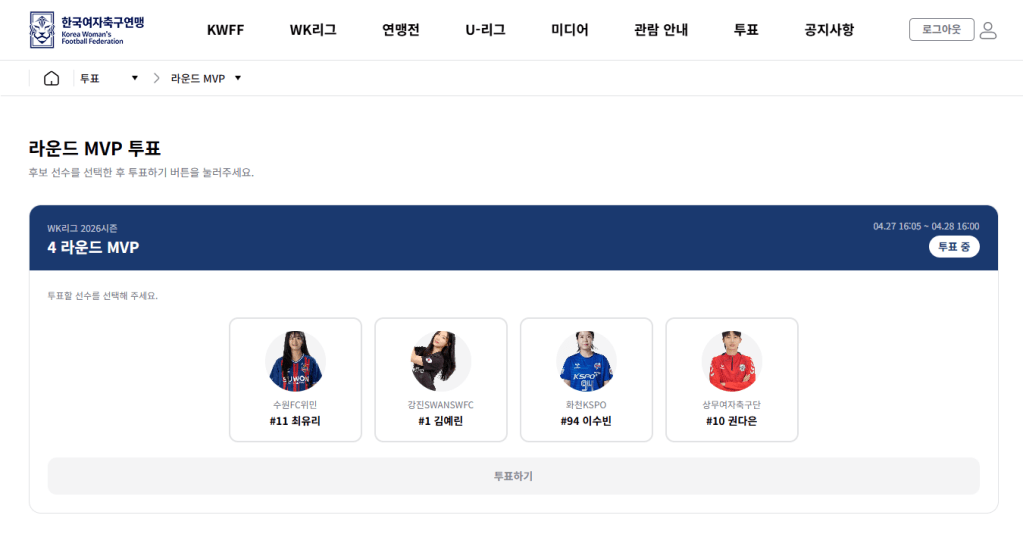
Step 4: Cast your vote
Click on the player for whom you wish to cast your vote, and then click on ‘Vote’ (투표하기)! Be aware that you can only vote once, and after submitting your vote you cannot change it.
Step 5: Wait for the QOR/MVP to be announced!
Once the Round MVP has been confirmed, they will appear in the aforementioned ‘Round QOR’ page of the KWFF website. The KWFF will also post an announcement to social media. From Rounds 1-4 of the 2026 WK League, the federation used ‘Round MVP’ on its website but ‘Queen of the Round’ on social media. The latter term has been used in previous seasons of the WK League. However, the KWFF has now updated its website to match its social media content, and appears to be sticking with ‘Queen of the Round’, for some reason.
There will be a presentation for the winner before kickoff at their team’s next home match.


 WK League News
Leave a comment